

Now on the Safer Data side of things..
..please read the following tips
and take them on board
Safer Data 1 - 5
1 • Back-up, Back-up, Back-up.
Always keep a current copy of your data on a
secondary storage device, stored somewhere else.
Check the back-up regularly.
2 • Invest in a back-up strategy.
Talk to me on what to do, i.e. buy the right secondary device that will meet your needs.
3 • Back-up and Verify your data
before doing any system upgrades.
4 • Invest in an uninterruptible power suppy.
(UPS) for your computer equipment to
protect against power spikes and the like.
5 • Turn off external storage devices only after shutting down the computer.
This avoids possible data/directory corruption.
Safer Data 6 - 11
6 • Purchase an Anti-Virus Solution.
Subscribe to the automatic update feature to limit the opportunity of being infected by a new virus.
7 • Do NOT move a drive while it's powered on.
Physical damage can occur and data loss.
8 • Provide adequate space
Your system needs air to keep cool, make sure there enough room around it.
9 • If the equipment was extremely cold
let it warm up to room temperature before powering on.
10 • If you become aware of strange noises.
Then power down as soon as possible and give me a call.
11 • If your still not sure what's what
Call or email me for advice
Try to never use the power button to turn off your PC or Laptop,
as this too can result in the loss of data that you were working on.
********************************************************
Some Other Words of Wisdom (hopefully)
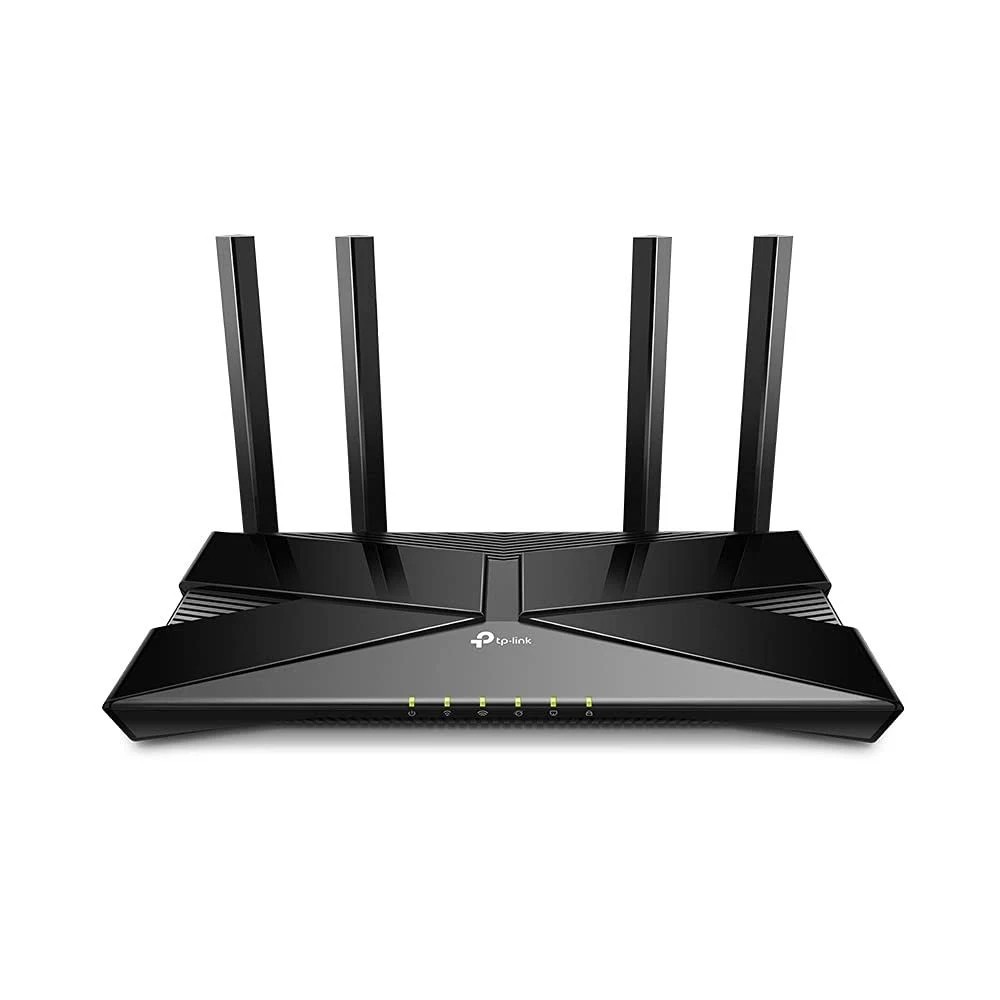
Internet Routers well we nearly all have one or two
Believe it or not, its best,
to reboot these, every 2-3 months or so.
This clears their caches and any errors (usually).
Internet Browsers, yep, we nearly all have one or two of these too
Over a period of time, our browsers collect data and sometimes they get a bit clogged up.
So every 3 months or so, clear the browser(s) history and cookies etc. via it's own settings.
This in turn clears their caches and any unexpected site loads and after a little while things will speed up again.
Applies to all the following:-
• Microsoft Edge
• Google Chrome
• Opera
• Firefox
• Wave
• TOR
The Recycle Bin
On every Windows System
A clever part of the system,
especially if you delete a file by mistake,
then by opening the R/Bin you can,
recover the said file by right clicking it,
then left clicking on restore.
The problem is that a lot of people never empty it, this takes up space on your drive.
So when you are happy that there is nothing in there you want, empty it

Never turn off your PC or Laptop,
when Windows Update is running. This will most likely corrupt Windows.
and you'll paying out for a re-load!
********************************************************
Contact Me
Steve Mugridge
20 Maple Walk
Aldershot,
GU12 4AW. UK.
Hope to hear from you soon.
********************************************************
Thank you for visiting scsaldershot.com
Please let your friends and colleagues know we are here
Sale Now On Selected Products / Services
Please note: • Errors and omissions excepted (E&OE) on this site
********************************************************